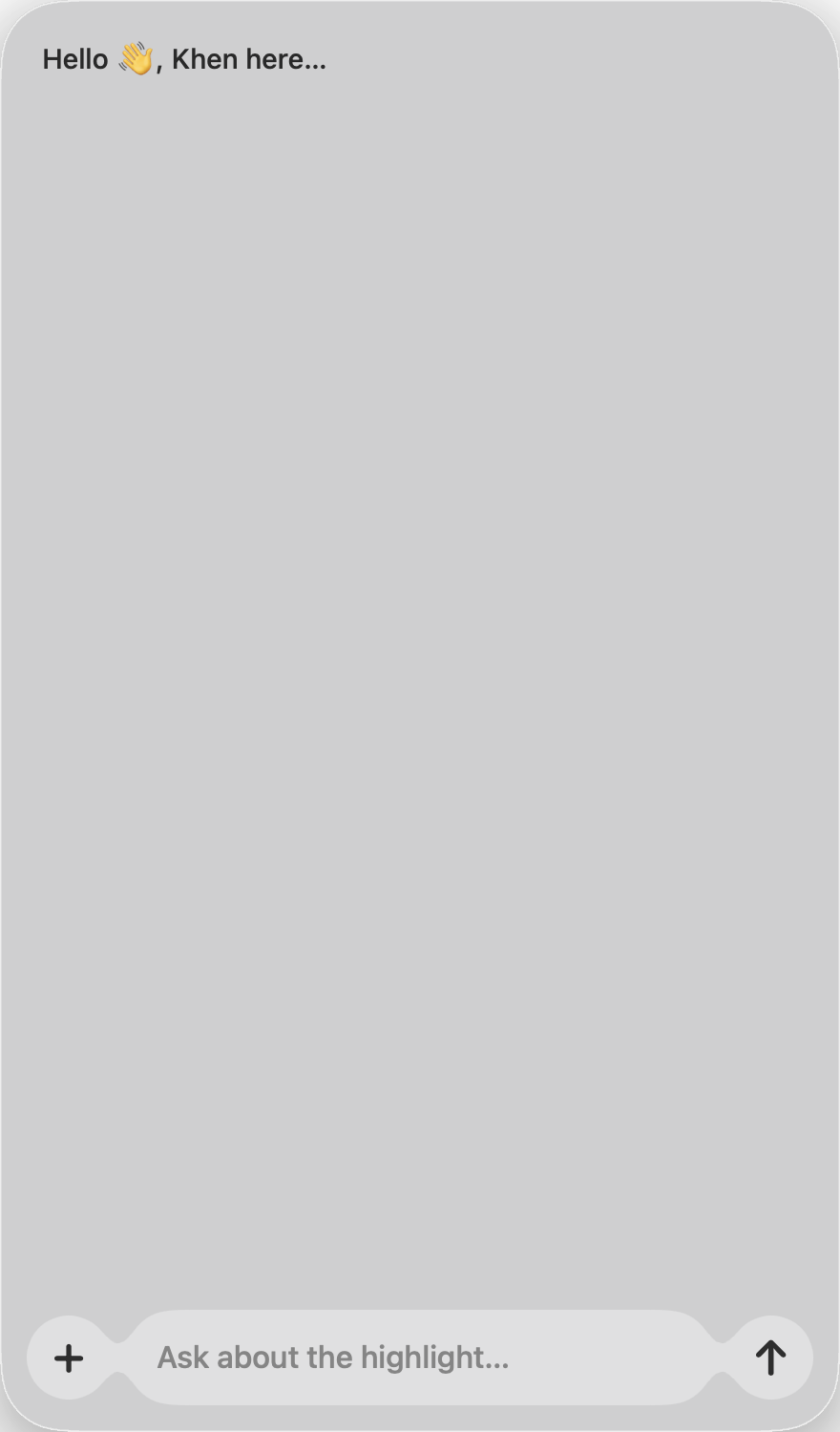
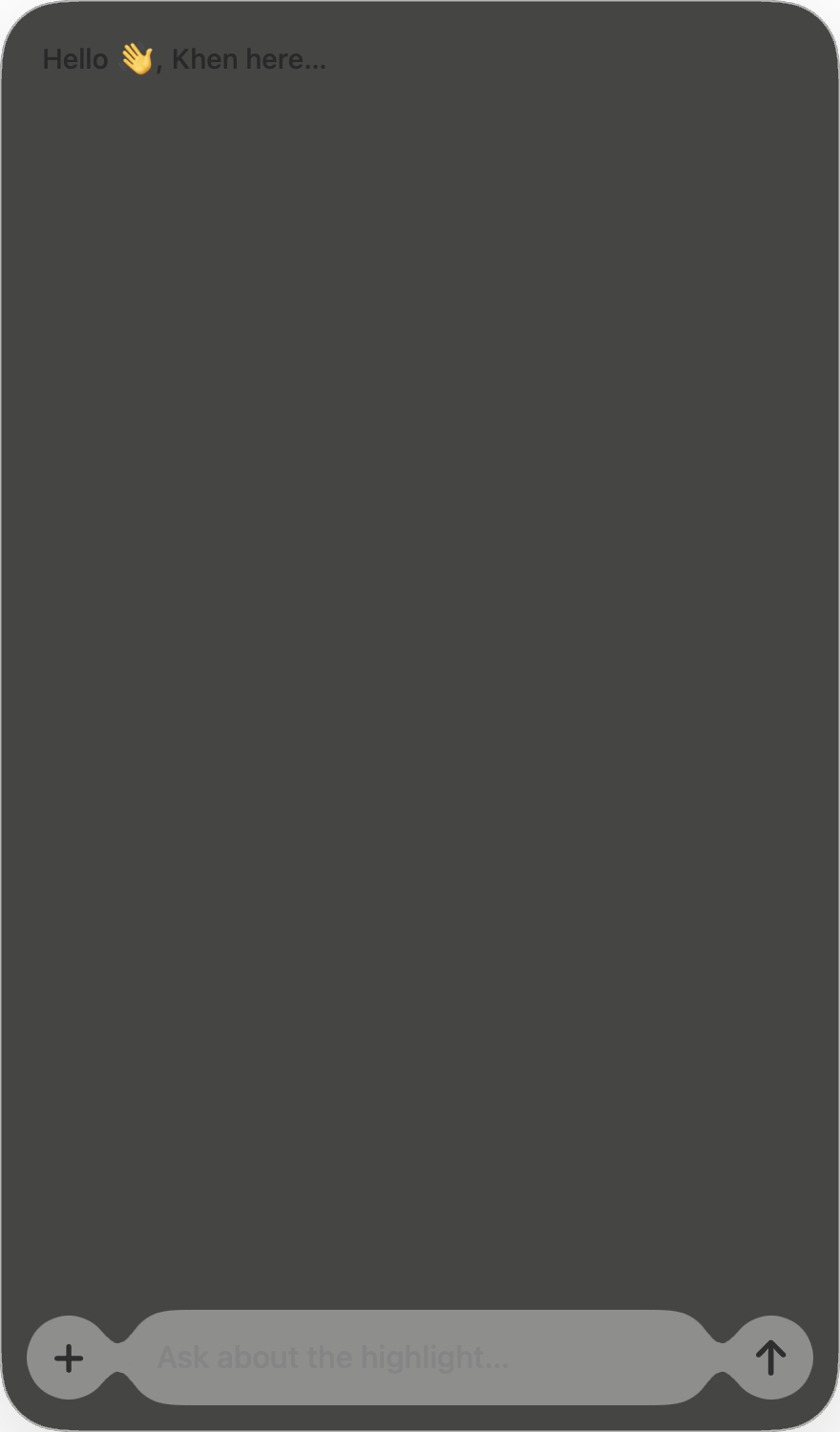
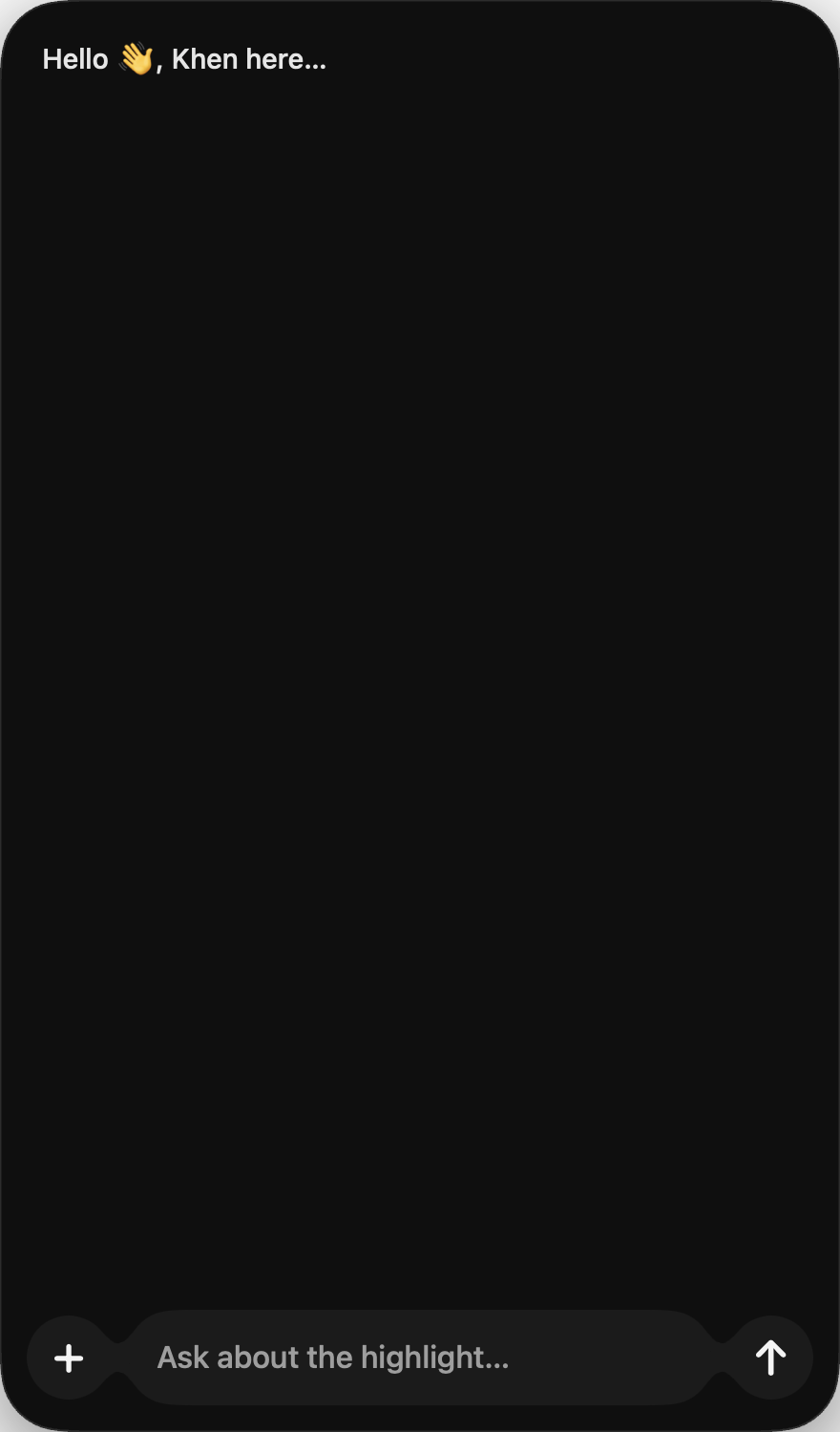
Easy. Effortless. Most apps gives you an expand button — Khen™ is simply a drag experience. Try it out below.
Drag left or right to expand —
Who it's for
Students, Writers, Khen™ for all.Students
Khen™ was made with intention, made for specific groups of people — find out if its for you.
Students
Break down dense readings, check whether you actually understood a concept, and study faster without bouncing between notes and your browser.
Summarize a chapter or lecture notes in place
Ask for a simpler explanation of a highlighted passage
Quiz yourself on what you just read
Writers
Pressure-test whether your writing lands for someone else, tighten sentences, and catch what you missed — without handing the draft to a ghostwriter.
Rewrite a paragraph for clarity or tone
Spot weak spots, repetition, or muddled logic
Ask “does this make sense?” on a highlighted line
Capabilities
What you can use it for
Khen™ isn’t complex to understand, the whole goal is simplicity, efficiency — saving you time and labor. It's the app that cuts off the inconvenience of having to navigate towards search engines for your AI partner, at the click of a hotkey you summon up "Your AI assistant Khen™".
Summaries
Weather a student, a writer, like myself — a writer, sometimes I don't have enough time to go deep into a topic, so I use AI for quick summaries, little blocks of text that will help me understand the concept, also save me from long hours of labor, Khen™ does it better.
Rewrites
Tighten wording, shift tone, or try a clearer version while you keep ownership of the ideas.
Explanations
Get a plain-language breakdown of something complex without opening another tab.
Additionally
Tinted, clear glass — small details that amplify Khen™. You aren’t just getting a default glass effect;
you can customize it with your preferred colors while the glass effect remains, thanks to Apple®.
Custom design UI
Pricing
two plans — pick your models
Basic
Claude, Gemini Flash, DeepSeek
$25 / month
3-day free trial
You get to use Khen™ alongside your work, and save your notes.
Khen is an AI assistant that appears right next to your workspace. Think of all that you can do using AI Chatbots. Students use it to study, learn faster. Writers use it for summarizes, rewrites, and much more. But with all that you can use it for — Khen™ makes it easier, faster, saving you time and effort at the click of a hotkey. It's that simple...
Can Khen™ see my screen?
Only what you highlight, and only with your permission. You stay in control of what Khen™ reads.
Is Khen still being improved?
Yes — Khen™ is in active development. You may run into bugs or rough edges while we keep on building. If something breaks or feels off, please contact us and tell us what you’re seeing or experiencing — we will fix it and keep improving for your satisfaction!